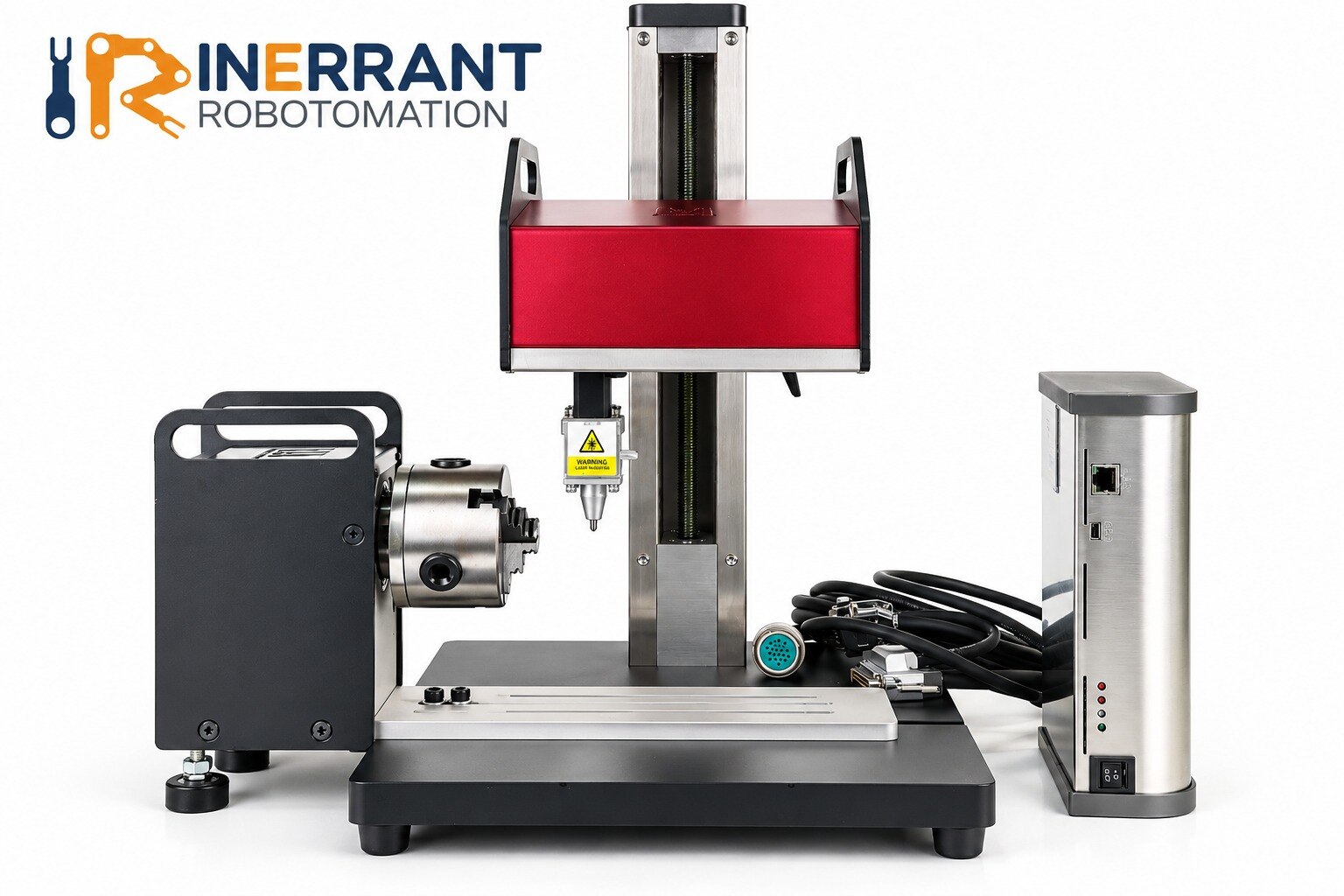
A reliable mark begins before the stylus touches the component: define the identifier, surface, location, readability target and inspection method first. By following the sequence below, you can prepare a part, configure a PatMark Plus marking job, qualify its parameters and release only marks that satisfy both physical and traceability requirements.
Key takeaways
- Define the identifier, location, readability standard, and proof method before setup.
- Clamp the part against fixed stops to repeat the marking position.
- Use iOS or Android to create and send the marking job.
- Qualify the first mark by checking depth, contrast, spacing, and readability.
Define the marking requirement before you power the machine
A successful mark starts with a controlled requirement, not with loading the industrial dot peen marking machine. Decide what the identifier must contain, where it must appear, and how you will prove it remains readable after production.
- Define the exact content: fixed text, logo, date format, lot number, serial number, or Data Matrix code.
- Specify character height, font, symbol set, code dimensions, orientation, and the permitted marking location.
- Set the readability standard. Human-readable text is not enough for industrial part marking; machine-readable codes need verification with a verifier or controlled vision system.
- Identify the serial-number source. Use the line-control or manufacturing-execution system when traceability matters, rather than allowing manual entry that can create duplicates, skipped numbers, or transposed identifiers.
- Record the part surface and condition: machined, painted, coated, blasted, forged, flat, or curved. Dirt, corrosion, glare, and paint filling shallow dots can defeat inspection.
- Define the production limits: required marking depth, cycle time, identification record, and pass/fail response.
Use the actual production surface for qualification whenever possible. A flat coupon made from the same nominal material can produce a different mark from a coated or curved component.
Before approving the program, require a sample at the specified character height, code size, material hardness, depth, and cycle time, then confirm that the control system receives both completion and fault status.
Secure the part and establish a repeatable marking position
A loose part turns a correct layout into a misplaced or uneven mark. Clean oil, chips, rust flakes and loose paint from the marking area, then clamp the component against fixed datums so the marking force cannot shift it or deflect a thin wall.
1. Place the part in its production orientation and support it close to the marking area. Use a nest, vise, stops or locating pins that leave the surface accessible without covering the required mark.
2. Align the surface squarely with the marking head. A curved or angled face changes dot spacing and depth, so use a shaped fixture or confirm that the machine head can follow the specified surface.
3. Set the marking origin at a defined corner, centreline or feature, then set the Z-height with the actual surface under the stylus. Record the fixture position and datum method so another operator can reproduce them.
4. Select the approved program only after confirming that its text, code, orientation and location match the identified part. Do not compensate for a poorly positioned component by editing the layout.
5. Run a first-off mark on the production part. If that is impossible, use a coupon with the same material, coating, curvature and surface finish; approve the result before releasing the program for production.
For industrial part marking, a repeatable fixture matters as much as the PatMark Plus marking machine. Recheck the origin after changing nests, part variants or stylus height.
Create and send the marking job from iOS or Android
The mobile workflow is: connect your iPhone, iPad or Android device to the PatMark Plus marking machine, build the layout, check each data field, and send the approved job to the controller. Do not type production serial numbers by hand when traceability matters; receive the approved value from the line-control or manufacturing-execution system.
- Open the PatMark Plus application, connect to the machine, and create a new marking layout or open an existing one.
- Add fixed text for information that never changes, such as a part number, manufacturer code or “MADE IN INDIA” statement.
- Insert a serial-number field, then choose the numbering rule or accept the identifier supplied by the control system. Confirm the starting value, increment and duplicate protection before enabling automatic numbering.
- Add a date field and select the required format, such as DD-MM-YYYY, YYYY-MM-DD or a date derived from the production record.
- Import or select the required logo, symbol, barcode or Data Matrix element. Check the application’s supported file types, character sets and code-size limits before releasing the layout.
- Add variable fields for operator-entered values, lot numbers or values received from another system. Label each field so an operator cannot confuse batch number with serial number.
- Set field order, character height, orientation and position, then preview the complete mark at actual size.
- Send the job to the industrial dot peen marking machine for PatMark Plus and confirm the machine reports receipt before marking.
Validate the displayed string first. Inspect location and depth after marking, then use a verifier or controlled vision system to confirm code readability. A visually correct mark can still contain the wrong serial number or fail machine reading.
Select material-specific parameters and qualify the first mark
A readable mark starts with the actual production surface, not a generic steel sample. Match the trial to the component’s hardness, coating, finish, curvature and cleanliness; painted, blasted, forged and machined surfaces scatter light and accept impacts differently.
Set the marking program around the required geometry:
- Use the specified character height, stroke style, dot spacing and line spacing; small characters need tighter, more consistent dots.
- For a Data Matrix code, preserve the required cell size and quiet zone instead of shrinking the code to fit.
- Select impact force and feed speed for the material hardness and required depth. Excessive force can raise burrs, deform thin walls or break through a coating.
- Adjust dot density and depth until the mark produces contrast without cutting into a sealing face, thread or functional edge.
- Inspect the stylus tip before the trial; a worn carbide or diamond stylus changes dot shape and depth.
Run the first-off mark on the secured component, or on a coupon with the same material, surface treatment and curvature. Confirm character shape, depth, spacing, location and orientation under production lighting. A shallow mark can disappear beneath glare, dirt, corrosion or paint fill, so do not approve industrial part marking by eye alone.
Read the code with the intended verifier or controlled vision system and record the approved machine settings. Release the PatMark Plus program only after the mark meets the required readability and damage limits. A rated speed does not prove an industrial dot peen marking machine can achieve that result.
Inspect the result and compare the machine with alternatives
Approve the mark only after three separate checks: the content is correct, the physical impression is correctly placed and formed, and the code is machine-readable. A visually neat mark can still carry the wrong serial number or fail because glare hides shallow dots.
- Validate the string, date, serial-number source and Data Matrix payload against the production record before marking.
- Inspect character height, spacing, orientation, location, dot formation, depth and damage under consistent lighting.
- Run the Data Matrix through a verifier or controlled vision system and record its grade, not merely an operator’s “readable” judgment.
For Data Matrix verification, use the specified cell size, quiet zone, error-correction format and verifier grade. Repeat the check after cleaning, painting or handling if those steps alter contrast; dirt, corrosion, paint fill and glare can turn a human-readable code into a traceability failure.
Compare equipment against the real part and process, not its headline speed.
| Option | Strength | Evidence to request before choosing |
|---|---|---|
| Industrial dot peen | Durable direct-part mark | Demonstration at required character height, code size, hardness, curvature, depth, cycle time and verifier grade |
| Laser marker | High contrast and fine detail | Proof that heat input, reflective surfaces and takt time meet the specification |
| Inkjet marker | Fast non-contact coding | Solvent, adhesion, permanence and maintenance results on the actual surface |
For a dot peen marking machine manufacturer in Pune, request a sample-mark report, parameter backup and restoration, spare-stylus availability, calibration procedure and service response time. Inerrant should also demonstrate integration with your identifier and inspection systems, rather than relying on rated speed alone.
Related products
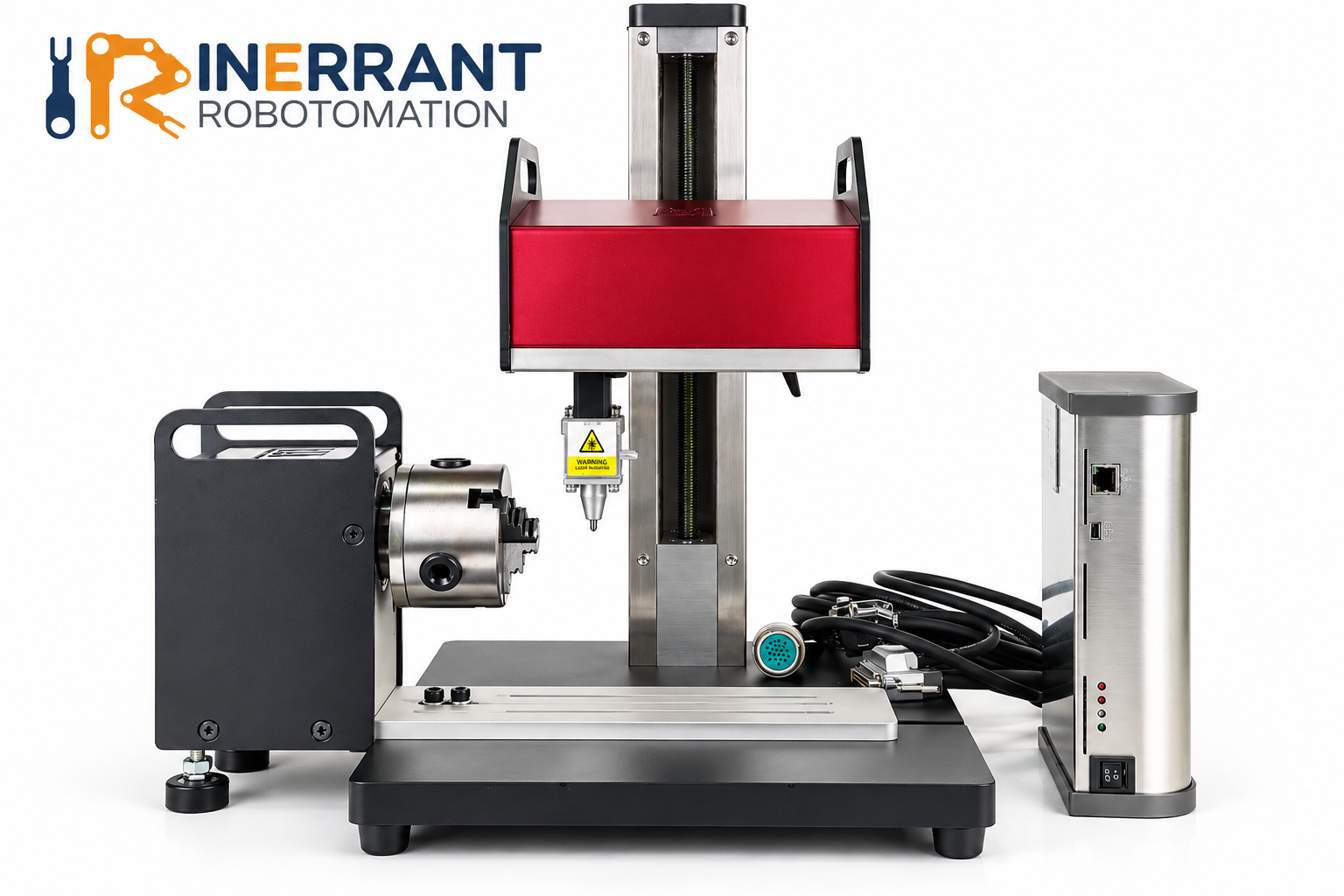 | Dot Peen Marking Machine Inerrant Robotomation Pvt. Ltd. delivers dot peen marking machine at the top of their field, marking accurately, quickly and reliably for a broad... View product → |
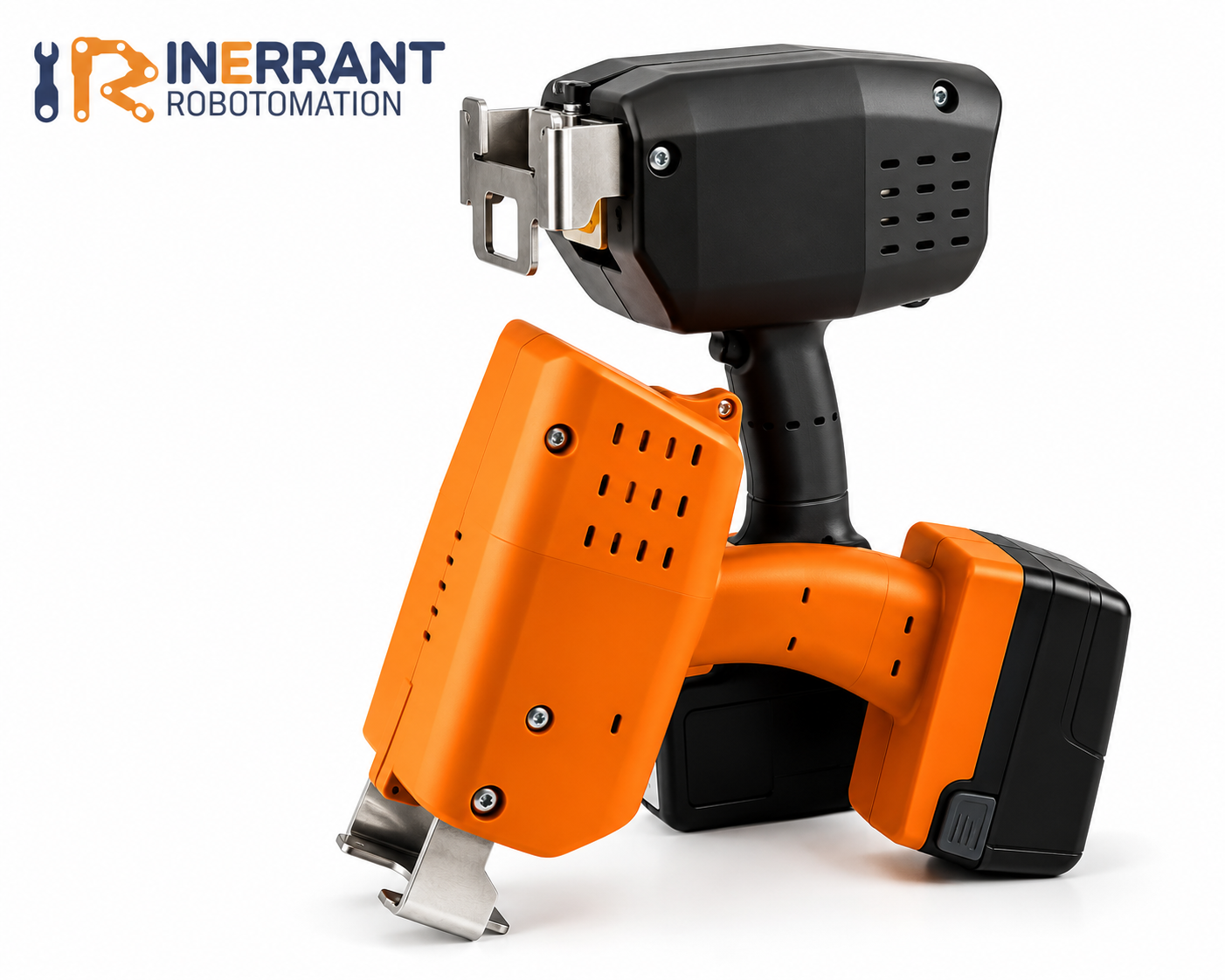 | Dot Peen Marking Machine Patmark lets you expand your marking capabilities, efficient and cost-effective marking solution. View product → |
Frequently asked questions
What should you define before powering an industrial dot peen marking machine?
Specify the identifier’s contents, marking location, required readability, and how you will verify the mark after production.
How do you secure a part for repeatable industrial part marking?
Use a rigid fixture, fixed stops, and consistent clamping so every part reaches the same marking position.
How do you create and send a Patmark Plus marking job?
Create the job from an iOS or Android device, set the marking content, and send it to the connected machine.
How do you qualify the first dot peen mark?
Select parameters for the material, then inspect depth, contrast, spacing, character shape, and readability before production.